Read the deal
Scan the tableau for legal sequences and open columns.
HOW-TO
Classic Klondike, explained simply.
Scan the tableau for legal sequences and open columns.
Stack each suit from Ace to King on the foundations.
When the tableau stalls, turn the stock and look again.
Step back if you want another line. Stats stay on your device.
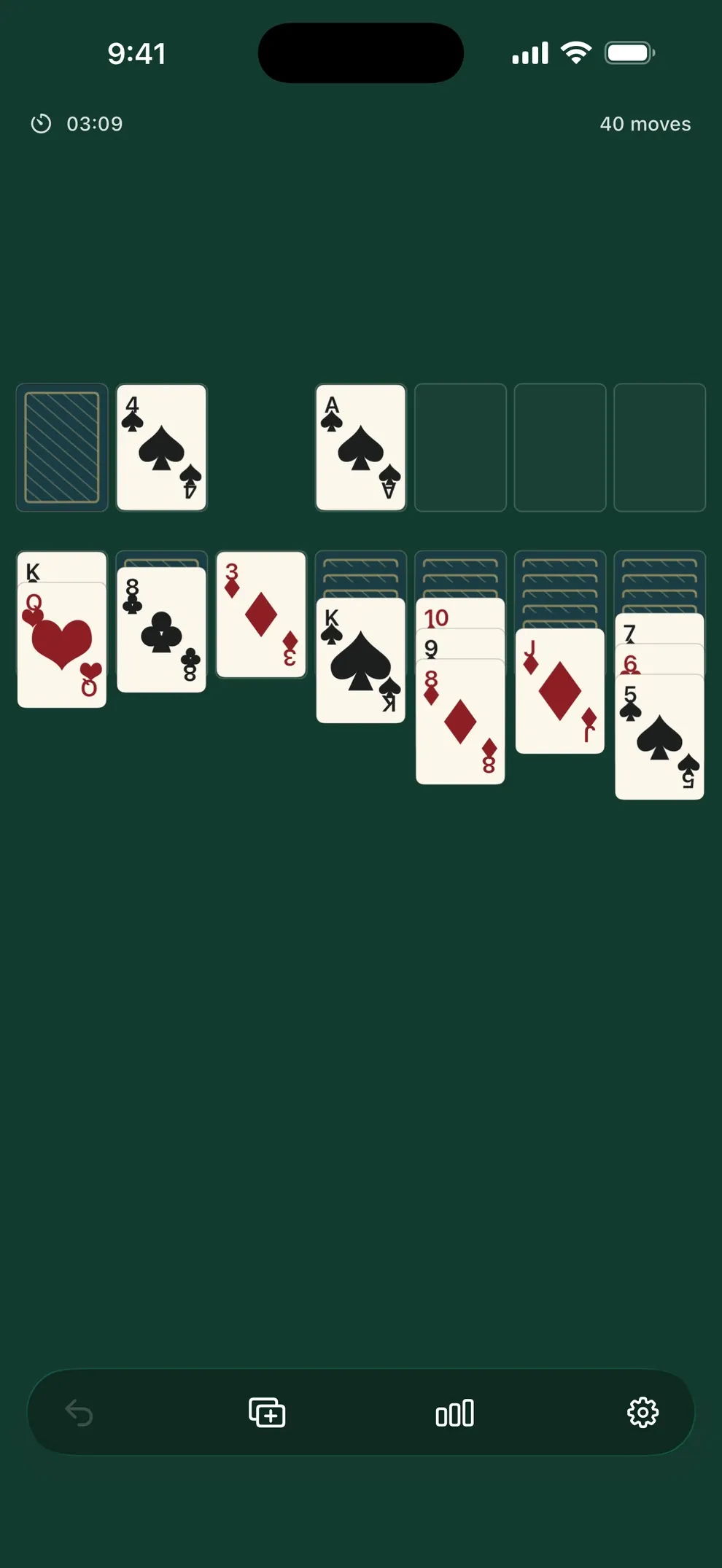
01
Launch the app to see a fresh deal on a quiet table.If a game was in progress, it reloads from on-device storage.
02
On the tableau, stack cards descending and alternating red and black.On foundations, build each suit from Ace to King.Empty columns accept Kings (and sequences starting with a King).
03
When the tableau stalls, tap the stock for the next card (draw-1).Use undo to reverse the last move.Adjust haptics, sound, and Collect in Settings.
04
Toggle left-handed layout, haptics, sound, and Collect in Settings.Open Statistics for games played, wins, and related tallies.Games, settings, and stats stay local—there is no account sync. Remove Ads is a monthly or yearly subscription.
ONE QUIET DEAL
Until launch, explore the real game screen and release notes.